Capture images
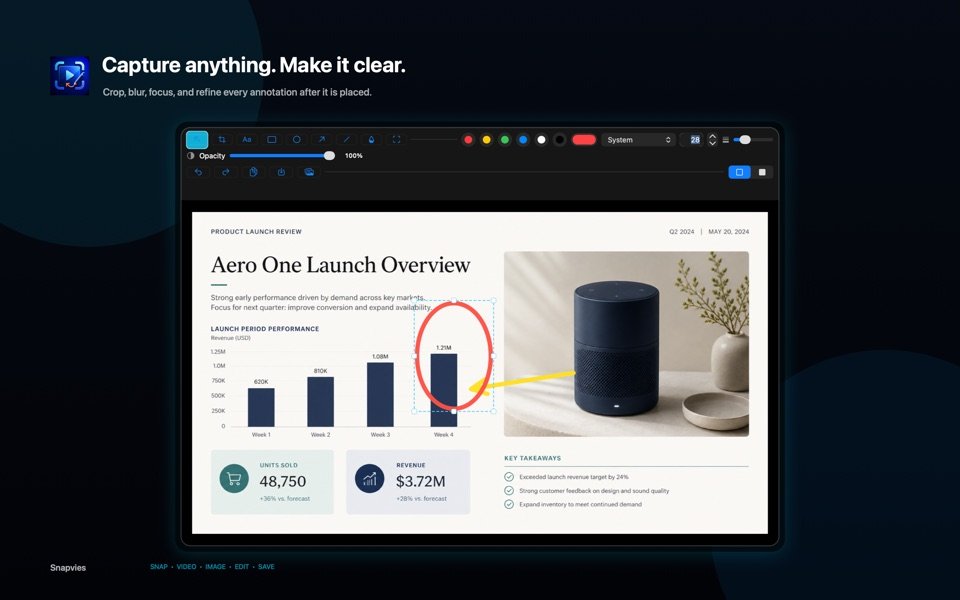
Capture an entire display, a dragged selection, or a visible window, then copy, save, add to Photos, or edit.
Snap · Video · Image · Edit · Save
Snapvies brings screenshots, screen recording, annotation, and focused video editing together in one native Mac app.
Built with Apple frameworks. No account or third-party dependencies.
One focused workflow
Capture an entire display, a dragged selection, or a visible window, then copy, save, add to Photos, or edit.
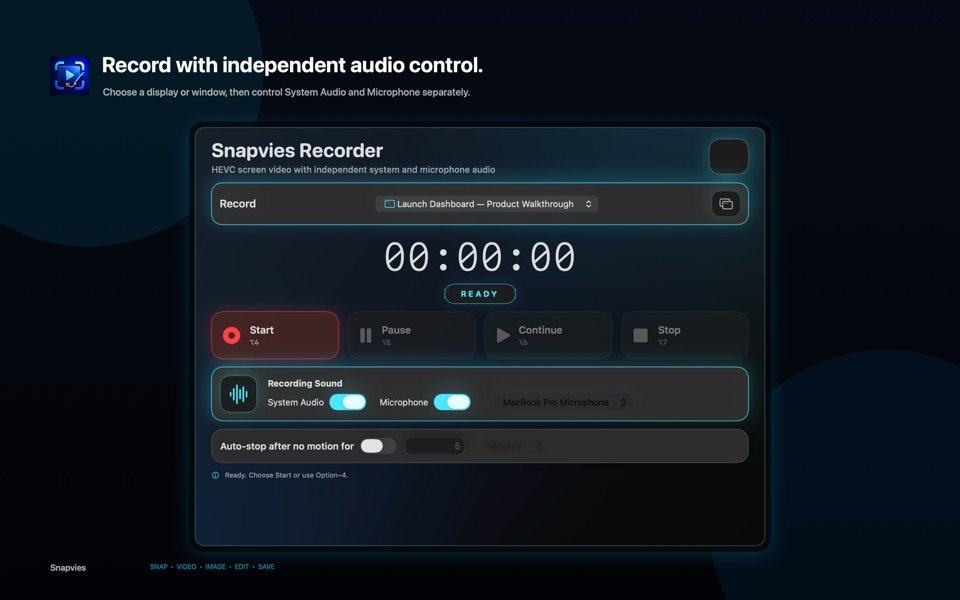
Record a display or window with system audio and, on macOS 15 or later, an optional separate microphone track.
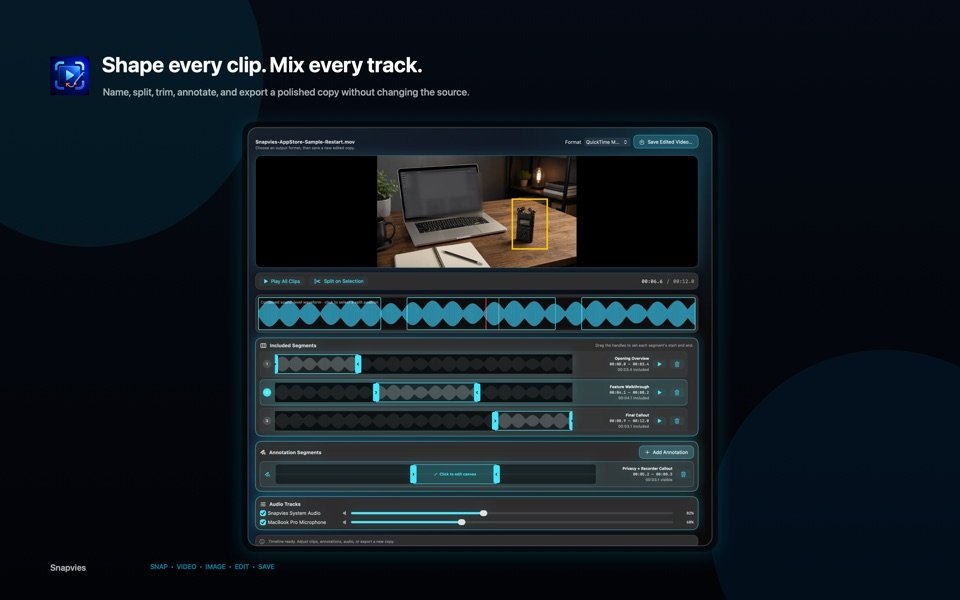
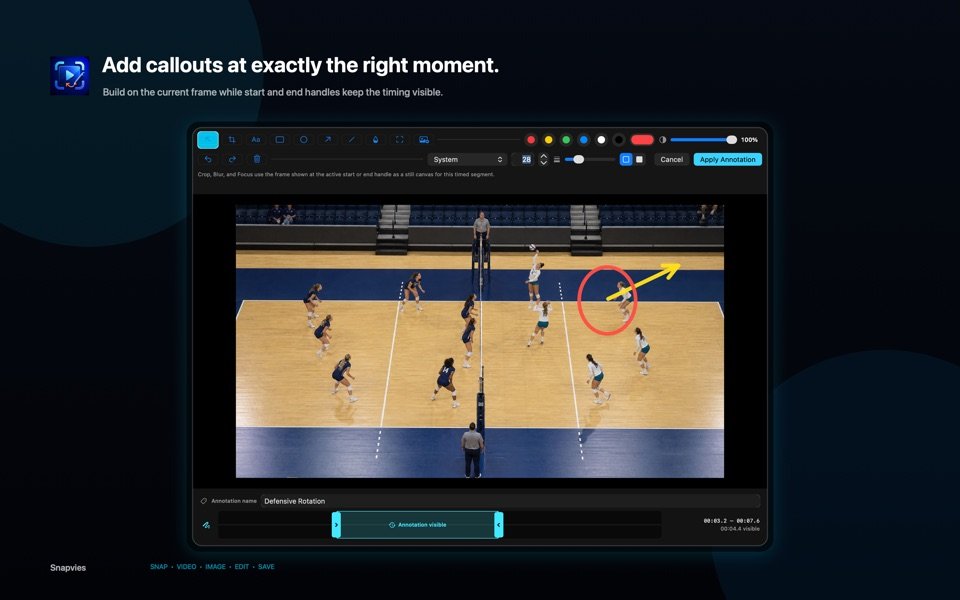
Crop, annotate, blur, split, trim, mix tracks, and add timed callouts before exporting a new movie.
Inside Snapvies
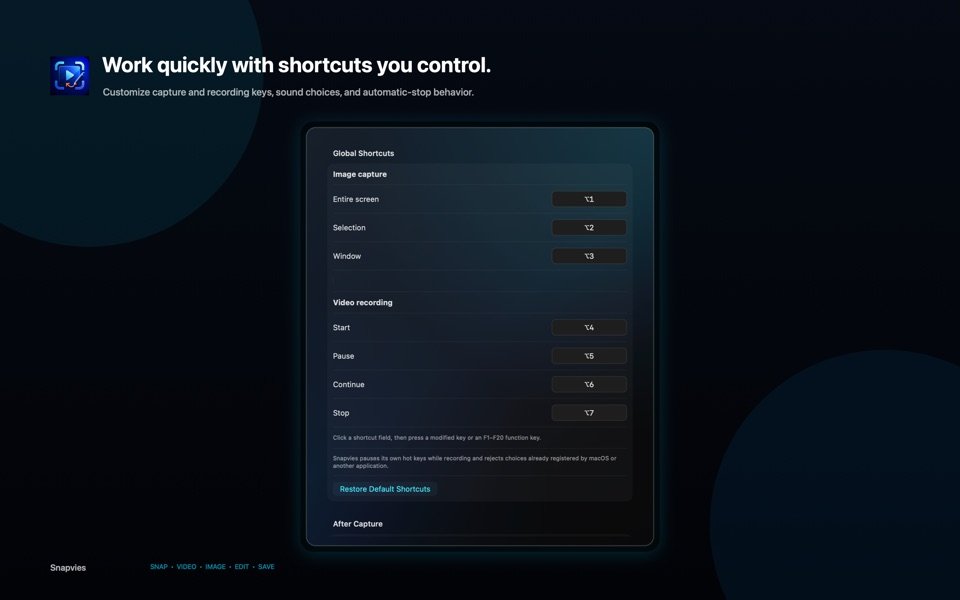
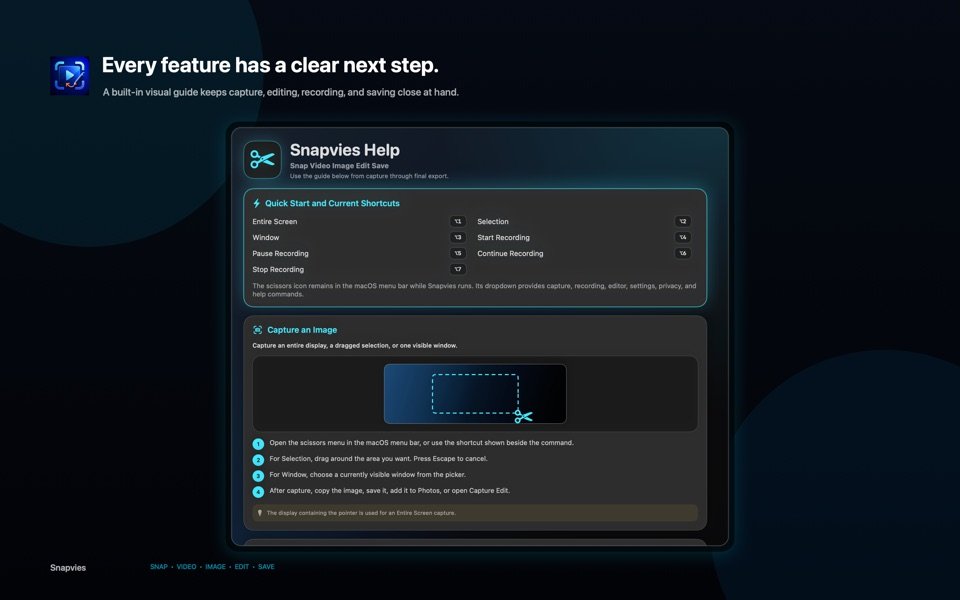
Real product views show capture editing, recording, video editing, shortcuts, and the visual help built into the app.
Private by design
Snapvies processes captures, recordings, annotations, audio, and exports locally on your Mac. There is no account, advertising, analytics, tracking, telemetry, cloud upload, or third-party SDK. Read the privacy policy.